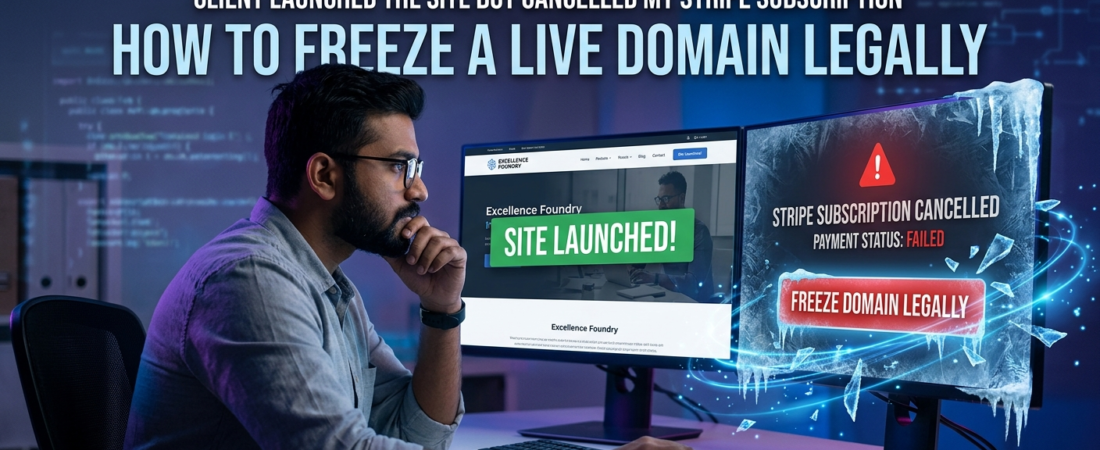
This is a common high-risk scenario in freelance delivery cycles . You refresh your inbox on a Friday evening, and there it is. A notification from Stripe: “Subscription Cancelled.”
The financial risk becomes immediately apparent. You open a new tab and type in the client’s domain name. The site is live. It is fast, it looks beautiful, and it is running on the exact code you just spent three months writing.
📌 What Is Domain Freezing?
Domain freezing is the legally compliant suspension of access to a live website by modifying hosting or DNS configurations, without deleting data, typically used when a client fails to fulfill payment obligations under a service agreement.
The client deployed the deliverable and terminated the payment mechanism.
Look, I have been there. Sitting at my desk, staring at a live SaaS dashboard, realizing I transferred operational control before payment clearance before the final invoice cleared.
The immediate urge is to take immediate disruptive action. You want to log in, delete the database, and disrupt their live operations.
Take a breath. avoid taking any immediate technical action. How to Freeze a Live Domain Legally ?
This is where freelancers incur significant legal and financial exposure. If you handle this with emotion, you may assume legal liability under cybercrime statutes.
But if you handle this with structured legal and operational response ? You take back your leverage. This guide outlines the legally compliant method to suspend a live domain, without putting yourself in the potential violation of applicable cyber laws.
Table of Contents
The Technical ‘Kill-Switch’ Case Study

A few years back, I took on a complex React build for a mid-sized logistics firm. We agreed on milestone payments. Everything felt smooth.
I made a rookie error. I wanted to show them how fast the app was, so I connected my GitHub repo directly to their Vercel account.
The Mistake : I gave them autonomous hosting control before the final $8,000 payment was settled.
The Consequence : The moment the site passed User Acceptance Testing, the client’s CFO decided my final invoice was “open to negotiation.” They launched the site and stopped answering my emails.
The Law : Because I pushed the code to their infrastructure, revoking my own access or intentionally crashing their Vercel build would likely be considered unauthorized access.
Even though they owed me money, I no longer controlled the physical location of the code.
If you find yourself in a similar spot, wondering what to do when a client uses your work but refuses to pay you, you need to understand the boundaries of legal retaliation.
What ‘Ownership Transfer’ Actually Means in Code
There is a massive disconnect between how developers view ownership and how the legal system views it.
You think: “I wrote the code. They didn’t pay. Therefore, it is my code.”
The law asks a different question: “Where does the code physically sit, and did you authorize its placement there?”
Under the US Copyright Act (17 U.S.C. § 101) , unless you signed a “work made for hire” agreement that has been fully executed, you generally retain the copyright to the code you write.
But copyright infringement is a civil issue. Hacking into a server is a criminal issue.
If you log into a client’s AWS account and delete files, you are violating the Computer Fraud and Abuse Act (18 U.S.C. § 1030) in the United States.
The UK equivalent is the Computer Misuse Act 1990. Unauthorized modification of computer material is an offense, regardless of whether they owe you money.
This is why you must separate the intellectual property (the code) from the infrastructure (the server).
The Flow of Escalation : Mistake → Consequence → Law
Here is a visual breakdown of how this trap works, and how the legal reality shifts based on your actions.
The Freelancer’s Trap
The operational breakdown of how a routine project turns into a high-stakes legal dispute.
You hand over root Admin, DNS routing, or primary hosting infrastructure access before the final milestone invoice clears your bank account.
The client officially launches the live production build to the public, cancels the recurring Stripe payment subscription without warning, and completely stops responding to your communications.
The Civil Path (Safe)
Filing a formal claim or pursuing collection for the unpaid invoice constitutes a standard civil Breach of Contract issue. Your liability risk remains zero.
The Criminal Path (Dangerous)
Hacking back into their server or using unauthorized access credentials to delete database files crosses into criminal territory under cyber-sabotage laws. You become the liable party.
The Legality of the Kill-Switch
Here is the thing : a “kill-switch” is a hidden piece of code designed to disable software remotely.
Do not use hidden kill-switches. Ever.
If a client discovers you planted a hidden backdoor in their SaaS application, they can sue you for malicious intent. It looks terrible to a judge.
Instead, rely on a transparent “Service Suspension Protocol.”
If you are the one hosting the site on your own infrastructure (your DigitalOcean droplet, your AWS account, your Namecheap account), you have absolute authority over that server.
You are providing a hosting service. If they stop paying for the service, you can legally suspend the service.
But you cannot just pull the plug in the dark. You have to do it by the book.
Step-by-Step Domain Freezing Protocol
Domain Freezing Protocol
The standard operational sequence to legally suspend services without exposing yourself to liability.
Secure Your Evidence
Before modifying any backend or routing parameters, compile a complete forensic trail. Capture full-page production screenshots, network tab states, read receipts, and Stripe cancellation records to prove active commercial utility.
Verify Communication Trails
Audit and export legal interaction histories from Slack, email, or WhatsApp. Ensure you have clear, timestamped documentation showing agreed terms, milestone completions, and direct client sign-off on the live deployment.
Issue 48-Hour Formal Notice
Never take down a live site without an official alert. Dispatch a clear, non-emotional, technical notification stating the account is in arrears. Give exactly 48 hours for rectification before temporary service suspension applies.
Execute the 402 Freeze
If the deadline expires in silence, do not erase data assets. Safely update hosting parameters or DNS routing to point to a static index asset returning an HTTP 402 Payment Required status code. This gates live operations cleanly.
If you want to Freeze a Live Domain Legally, and you control the hosting or the domain registrar, follow these exact steps.
Step 1 : Secure Your Evidence
Before making any technical modification, secure complete documentation. Take full-page screenshots of their live site. Capture the network tabs. Prove that your code is currently running in production. If they ghosted you after you sent the invoice, screenshot the read receipts and the Stripe cancellation notices.
Step 2 : Check the Communications
Did they agree to your terms via text? It sounds crazy, but you might be wondering if a WhatsApp chat counts as a legally binding contract. Yes, it often does. Export those chat logs immediately. You need a paper trail proving they accepted the work and agreed to the payment schedule.
Step 3 : Send the 48-Hour Notice of Service Suspension
You never turn off a site without a formal warning. Send an email stating that their account is in arrears. Give them exactly 48 hours to rectify the Stripe cancellation. State clearly that failure to pay will result in the suspension of hosting services. Keep the tone defensive, technical, and zero-nonsense.
Step 4 : Execute the Freeze (The 402 Method)
If the 48 hours pass in silence, do not delete or alter underlying data assets. Instead, go into your server and change the routing. Point their domain to a static HTML page returning a 402 Payment Required HTTP status code. This is a recognized HTTP response mechanism (402 Payment Required). It proves you aren’t destroying data; you are simply gating access pending payment.
Interactive Tool : The Suspension Notice Generator
To make this easier, I built a quick HTML tool. You can copy the code below, save it as an .html file on your computer, and open it in your browser.
It will generate a legally sound, zero-nonsense suspension email that you can send to your client.
Generate Suspension Notice
What if They Control the Hosting ?
This is the nightmare scenario. You pushed the code to their AWS account. They own the domain registrar. You have zero technical leverage.
Do not try to hack back in. You will lose in court.
Instead, you pivot to intellectual property law. They are using your copyrighted code to generate revenue without a valid license.
It is officially time to write a clean cease-and-desist letter if a client steals your code.
Send the C&D via certified mail. Copy their legal department if they have one. Tell them they are in violation of copyright and demand they take the code down immediately.
The DMCA Takedown Strategy
If they ignore your cease-and-desist, you can escalate to their hosting provider.
Look up their host using a WHOIS tool. If they are hosted on AWS, DigitalOcean, or Cloudflare, file a formal DMCA Takedown Notice with the provider.
Hosting providers are legally obligated under the Digital Millennium Copyright Act (17 U.S.C. § 512) to respond to valid copyright claims.
They will usually forward your complaint to the client, telling them to resolve the dispute or face a server-level shutdown. This typically prompts a rapid commercial resolution.
If you are a subcontractor wondering if you can sue the end-client directly, this tactic is especially potent. Middleman agencies hate it when you contact the end-client’s infrastructure directly.
Risk Matrix : The Domain Freeze Strategies
Before you act, you need to understand your risk exposure. Here is a clear breakdown of what is safe, and what will land you in a courtroom.
| Action Taken | Technical Control Level | Legal Risk Level | Likely Outcome |
|---|---|---|---|
| Deleting client databases | You have their server passwords | CRITICAL / ILLEGAL | Criminal charges, sued for business damages. |
| Silent Kill-Switch | Hidden code in the app | HIGH RISK | Sued for malicious sabotage and breach of trust. |
| DMCA Takedown | Zero access to servers | MEDIUM RISK | Host may require proof of copyright registration. |
| DNS 402 Suspension | You own the domain/hosting | LOW RISK | High success rate. Site pauses, client usually pays fast. |
The United States vs. Global Comparison

Tech is a borderless industry. Many developers work remotely across continents.
If you are trying to figure out how to protect yourself when working with international clients, jurisdiction changes everything about how you handle a live site dispute.
In the United States ( CFAA ) : The Computer Fraud and Abuse Act explicitly targets “unauthorized access.” If your contract ended when they cancelled the Stripe payment, any subsequent login by you to their server is technically unauthorized.
In the United Kingdom ( CMA 1990 ) : The Computer Misuse Act is similarly strict. Modifying data to impair the operation of a computer system is a criminal offense. A kill-switch is illegal here.
In India ( Section 43, Information Technology Act, 2000 ) : of the IT Act imposes heavy civil penalties for damaging computer systems. However, Indian courts often view holding a website hostage over an unpaid invoice as a civil breach of contract rather than a pure cybercrime, provided no data was permanently destroyed.
Still, filing cross-border lawsuits is expensive. Your best defense is prevention.
Evidence Checklist : Do This Today
If your client just cancelled their Stripe subscription, secure your perimeter right now.
- Screenshot the Live Site : Capture the URL, the date, and the functioning features you built.
- Export the Git Logs : Prove the commit history belongs to you.
- Download the Stripe Logs : Save the PDF of the exact timestamp they cancelled the recurring payment.
- Backup the Contract : Save a local copy of your Master Services Agreement (MSA) or Statement of Work (SOW).
- Archive Emails : Export the entire email thread where they approved the launch.
Once your evidence is secure, you can start thinking about when it is officially time to take legal action. Do not rush the lawsuit. Leverage the suspension first.
Stop Working For Free
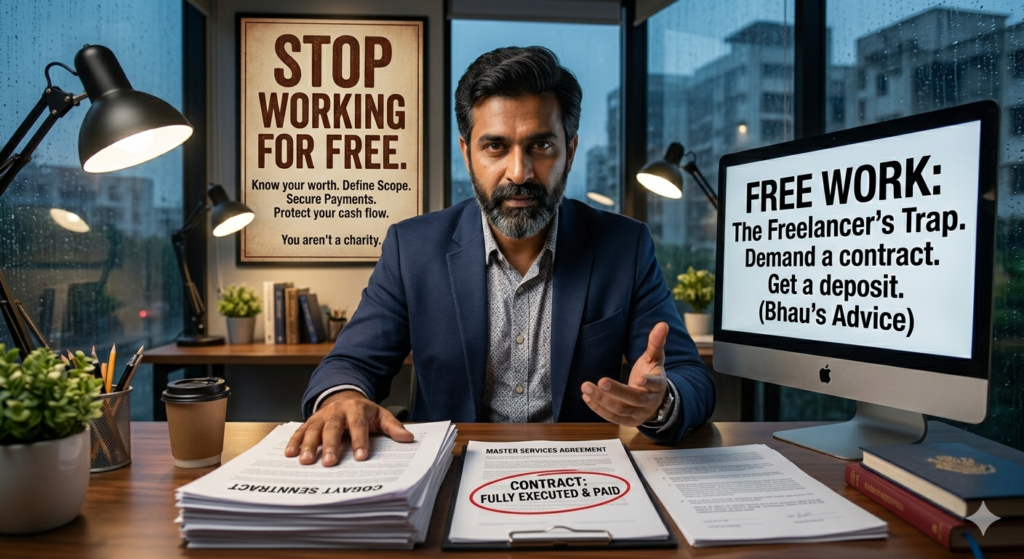
How did we get here ? Usually, it starts small.
A client asks for one extra feature before launch. You agree. Then they ask for another. By the time the site goes live, they feel entitled to your time.
You must learn how to stop working for free and prevent scope creep.
Never hand over root access, domain transfer codes (EPP codes), or database ownership until the final dollar hits your bank account.
If they want the site live for marketing, host it on a subdomain you control (e.g., staging.youragency.com).
Only transfer the domain when the invoice is cleared. That is the ultimate kill-switch prevention.
Quick Decision Section : If This, Then That
Let’s simplify your immediate next steps.
IF you own the Namecheap/GoDaddy account holding their domain : THEN send a 48-hour notice, then change the nameservers to a suspension page.
IF they own the domain, but you control the AWS/Vercel hosting : THEN send a 48-hour notice, then pause the server instance. Do not delete it.
IF they own both the domain and the hosting : THEN send a Cease and Desist letter, followed by a DMCA takedown to their host.
IF they are completely ignoring you after the site went live : THEN it is time to formalize the debt. Start the standard follow-up protocol for late invoices.
FAQs : The Real Questions Devs Ask
Can they sue me for lost revenue if I suspend the site ?
If you suspend a site on infrastructure you own, after giving proper notice of non-payment, their claim for lost revenue is very weak. They caused the outage by breaching the payment terms. However, if you hack their server, yes, they can sue you for massive damages.
Should I put a logic bomb or time-bomb in my code ?
Absolutely not. Courts view logic bombs (code designed to crash a system on a certain date) as malicious malware. You will lose your copyright claim and potentially face criminal liability. Never write self-destructing code.
What if there was no formal contract, just a Slack conversation ?
A Slack or Discord conversation outlining the scope of work and the price is generally considered a valid contract in many jurisdictions. If they agreed to pay $5,000 for a website and you delivered it, the written messages act as your agreement.
Can I legally hold a domain hostage ?
“Hostage” is a bad word legally. You are exercising a “mechanic’s lien” equivalent for digital assets. If the contract states ownership transfers upon final payment, and they haven’t paid, you legally own the domain. You aren’t holding it hostage; you are retaining your property.
How long should I wait before sending the suspension notice ?
If they actively cancelled a Stripe subscription while the site is live, do not wait. Send the 48-hour notice immediately. They have already taken aggressive financial action against you. You must respond with firm, professional boundaries.
The Final Word on Leverage
Getting rugged on a live launch is a rite of passage for digital freelancers.
The first time it happens, you panic. The second time, you realize it is just a business transaction gone slightly off the rails.
Do not let a cancelled Stripe subscription intimidate you. You wrote the code. You built the value. The law provides specific, mechanical ways for you to enforce your rights.
Just keep your head cool, document everything, and use the infrastructure to your advantage.
About Author
Adv. Sagar Haribhau Shirsat is an active legal professional specializing in commercial transaction architectures, cross-border corporate compliance, and digital debt recovery systems. He designs strategic asset-protection and recovery frameworks that help freelancers, independent contractors, and global agencies defend their cash flow and enforce their billing rights.
Connect via his Official Professional LinkedIn Profile.
Disclaimer : This guide is intended for educational purposes and risk management analysis. It does not replace formal legal counsel. For specific cross-jurisdictional contract disputes, always consult a certified attorney or local legal advocate.